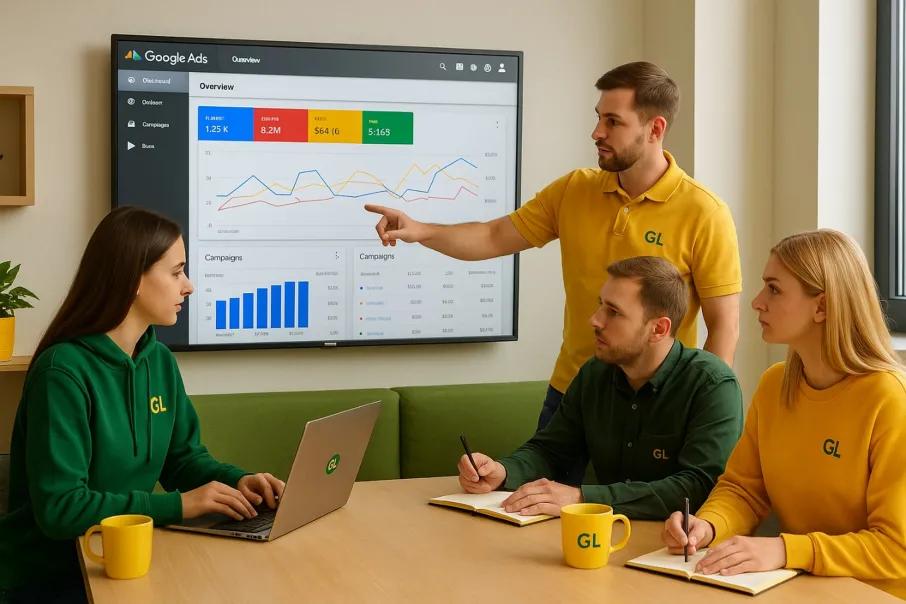
How to Apply for Google Ad Grants for Churches
A complete step-by-step guide for churches to qualify, apply, and launch their first Google Ad Grant campaign successfully.

WebRise Media Insight: Most churches don't lose the Google Ad Grant because they're ineligible—they lose it because their website, documentation, or application process isn't prepared correctly before submission.
Every month, qualifying churches can receive up to $10,000 in free Google Search advertising through Google Ad Grants. If you're wondering how to apply for Google Ad Grants for Churches, this guide walks you through the complete application process—from nonprofit verification to launching your first compliant campaign.
The application involves three important platforms: TechSoup, Google for Nonprofits, and Google Ads. Understanding how these work together is the difference between a smooth approval and weeks of unnecessary delays.
What You'll Learn
- Who qualifies for Google Ad Grants
- The documents you'll need before applying
- The complete 7-step application process
- Common rejection reasons and how to avoid them
- What to do immediately after approval
What Is Google Ad Grants?
Google Ad Grants is a nonprofit advertising program that gives eligible churches up to $10,000 per month in free Google Search advertising. Instead of paying for clicks, qualifying churches receive monthly ad credit to promote ministries, worship services, community outreach, and other mission-driven initiatives.
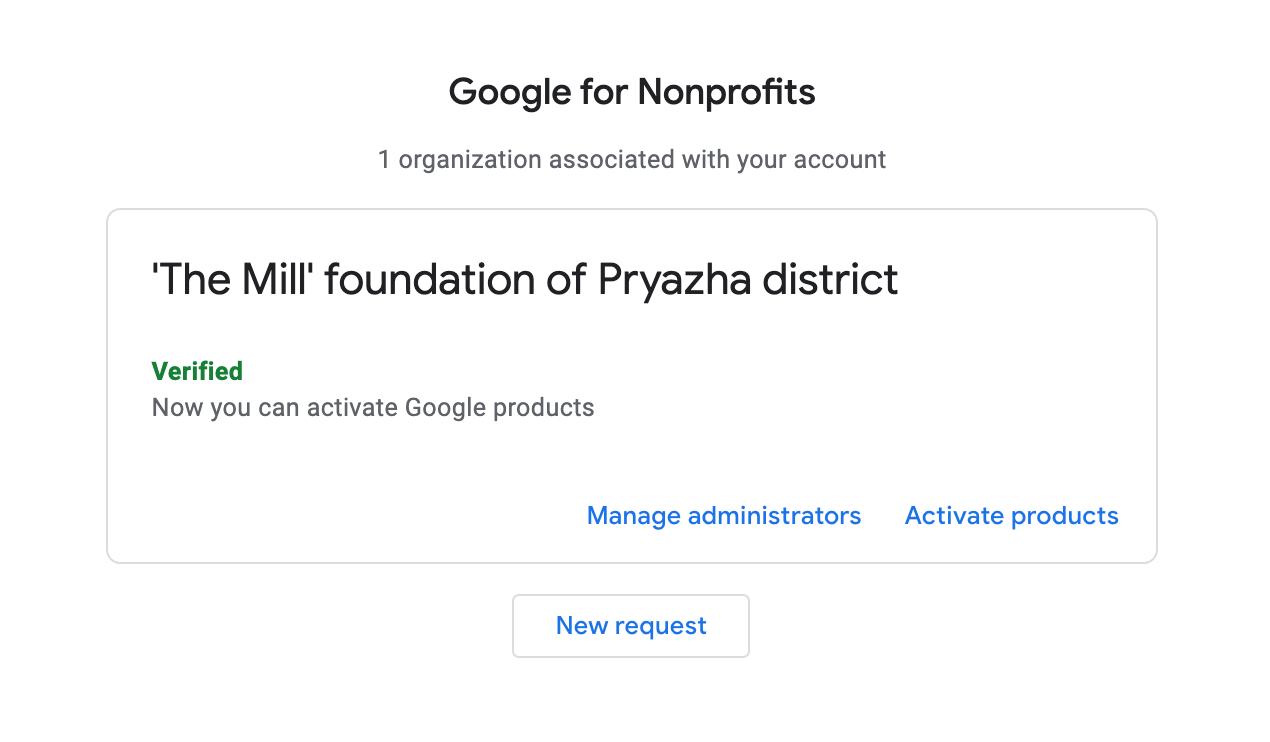
The program is part of Google for Nonprofits, which provides digital tools to eligible charitable organizations. Once approved, your church can create search campaigns that appear when people search for terms like “church near me,” “Sunday service,” “prayer support,” or “food pantry near me.”
Unlike traditional Google Ads, the grant is specifically designed for nonprofits and comes with compliance requirements that help ensure ads provide genuine value to users.
Google Ads vs Google Ad Grants
| Google Ads | Google Ad Grants |
|---|---|
| Paid with your own budget | Up to $10,000/month in free ad credit |
| Available to any business | Only eligible nonprofit organizations |
| Search, Display, Video & Shopping | Search campaigns only |
| No nonprofit verification | Requires Google for Nonprofits approval |
How Churches Use Google Ad Grants
Successful churches don't use the grant to advertise themselves—they use it to connect people with meaningful resources. Search campaigns can direct visitors to pages that answer real needs within the community.
- Promote Sunday worship and service times
- Invite first-time visitors through a Plan Your Visit page
- Increase registrations for Vacation Bible School
- Reach families searching for grief support or counseling
- Promote food pantry and community outreach programs
Key takeaway: Google Ad Grants isn't about replacing your church's outreach—it helps people who are already searching find your ministry at the moment they need it most.
Who Is Eligible for Google Ad Grants?
Eligible churches must have recognized nonprofit status, complete TechSoup verification, and enroll in Google for Nonprofits before they can activate Google Ad Grants. The application isn't complicated, but every requirement must be completed in the correct order.
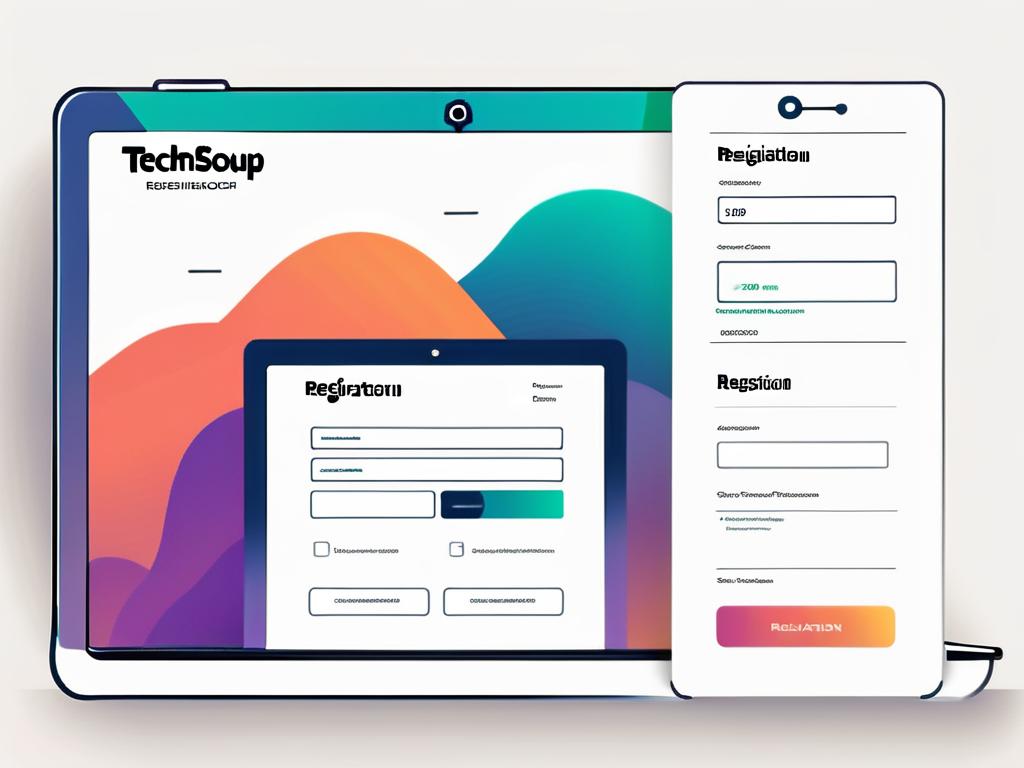
Most churches in the United States qualify through their 501(c)(3) status or a denominational group exemption. The first step is verifying your nonprofit through TechSoup, which confirms your organization's legal charitable status for Google.
Eligibility Requirements
| Requirement | Status |
|---|---|
| Registered 501(c)(3) nonprofit | Required |
| TechSoup validation completed | Required |
| Google for Nonprofits account | Required |
| HTTPS church website | Required |
| Clear mission and contact information | Required |
Organizations That Usually Qualify
- Independent Christian churches
- Baptist, Methodist, Catholic, and Presbyterian churches
- Church plants with approved nonprofit status
- Religious ministries registered as charitable organizations
- Denominational churches operating under a group exemption
Before You Click Apply
| 501(c)(3) documentation ready | ✓ |
| TechSoup account created | ✓ |
| Church website uses HTTPS | ✓ |
| Contact page includes address & phone | ✓ |
| Plan Your Visit page published | ✓ |
Pro Tip: Don't begin the Google Ad Grant application until your website is complete. Missing service times, contact details, or SSL can delay approval even if your nonprofit status is valid.
Documents You'll Need Before Applying
Before starting your Google Ad Grant application, gather every required document in one place. Having these ready makes the process much smoother and reduces the chance of delays during TechSoup or Google for Nonprofits verification.
Application Checklist
| Document | Why It's Needed |
|---|---|
| 501(c)(3) Letter | Confirms nonprofit eligibility |
| EIN / Tax ID | Used for nonprofit verification |
| TechSoup Validation | Required before Google for Nonprofits |
| Church Website | Must be live, secure, and informative |
| Google Account | Used to manage Google services |
| Official Contact Details | Matches your church website and nonprofit records |
Is Your Church Website Ready?
Google reviews your website carefully before approving the grant. Your site should clearly explain who your church is, what ministries you offer, and how visitors can contact or visit your church.
Website Readiness Checklist
| HTTPS (SSL certificate) | ✓ |
| About Our Church page | ✓ |
| Service Times | ✓ |
| Plan Your Visit page | ✓ |
| Contact information | ✓ |
| Privacy Policy | ✓ |
Expert Tip: A beautiful website isn't enough. Google wants visitors to easily understand your church's mission, ministries, service times, and how to get in touch.
How to Apply for Google Ad Grants (7-Step Process)
Applying for Google Ad Grants involves seven sequential steps. Completing them in the correct order helps churches avoid unnecessary delays and increases the likelihood of approval.
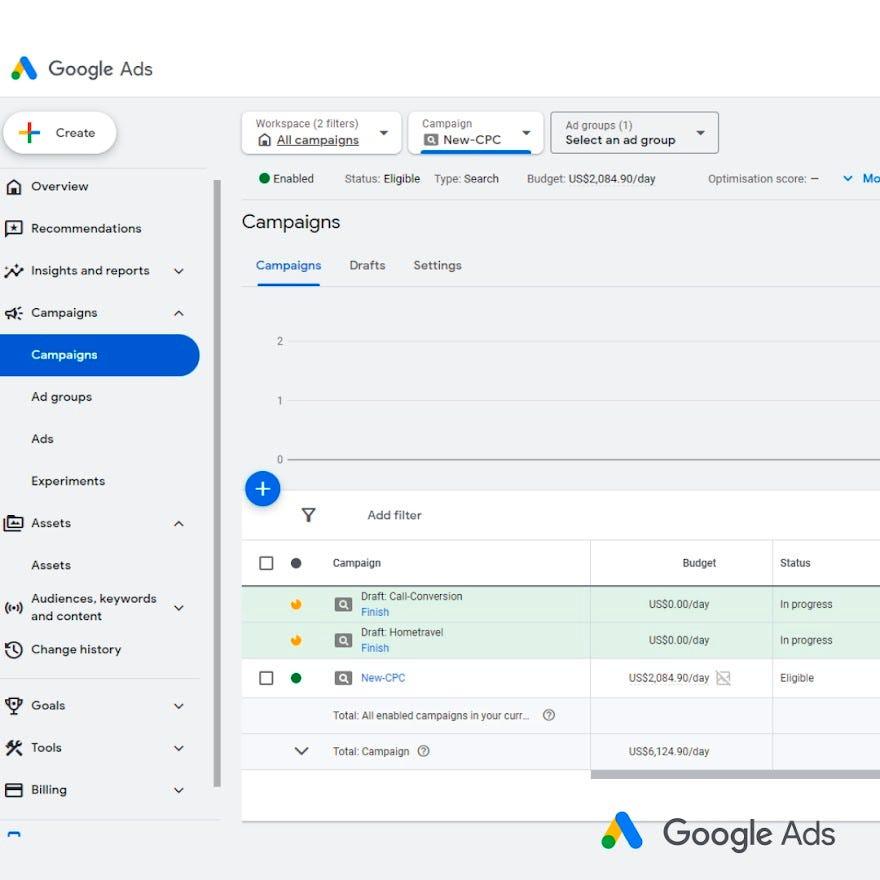
Application Timeline
| Step | Milestone |
|---|---|
| 1 | Verify your nonprofit with TechSoup |
| 2 | Create a Google for Nonprofits account |
| 3 | Request Google Ad Grants access |
| 4 | Ensure your website meets Google's policies |
| 5 | Accept the Ad Grants program terms |
| 6 | Build your first compliant search campaign |
| 7 | Submit for Google's final review |
Step 1 — Verify Your Church Through TechSoup
Create a TechSoup account and verify your nonprofit using your legal church information and EIN. Google relies on TechSoup to confirm nonprofit eligibility before granting access.
Step 2 — Register for Google for Nonprofits
After receiving your TechSoup validation, enroll in Google for Nonprofits using a church-owned Google account. This unlocks Google's nonprofit tools, including Ad Grants.
Step 3 — Request Google Ad Grants
Inside Google for Nonprofits, activate the Google Ad Grants product. This begins the advertising-specific review process.
Step 4 — Prepare Your Website
Your website should include service times, ministry pages, contact information, HTTPS security, and a helpful Plan Your Visit page before submission.
Step 5 — Accept Program Policies
Carefully review Google's Ad Grants requirements regarding campaign structure, keyword quality, and ongoing compliance before accepting the terms.
Step 6 — Build Your First Search Campaign
Create tightly themed search campaigns targeting high-intent keywords like “church near me” or “Sunday service in Dallas” instead of broad single-word terms.
Step 7 — Submit & Wait for Review
Google reviews your nonprofit status, website quality, and campaign structure before activating the $10,000 monthly grant. Monitor your admin email for any requested corrections.
Best Practice: Don't rush the application. A well-prepared church website and properly structured campaign usually lead to a much smoother approval process.
Common Reasons Churches Get Rejected
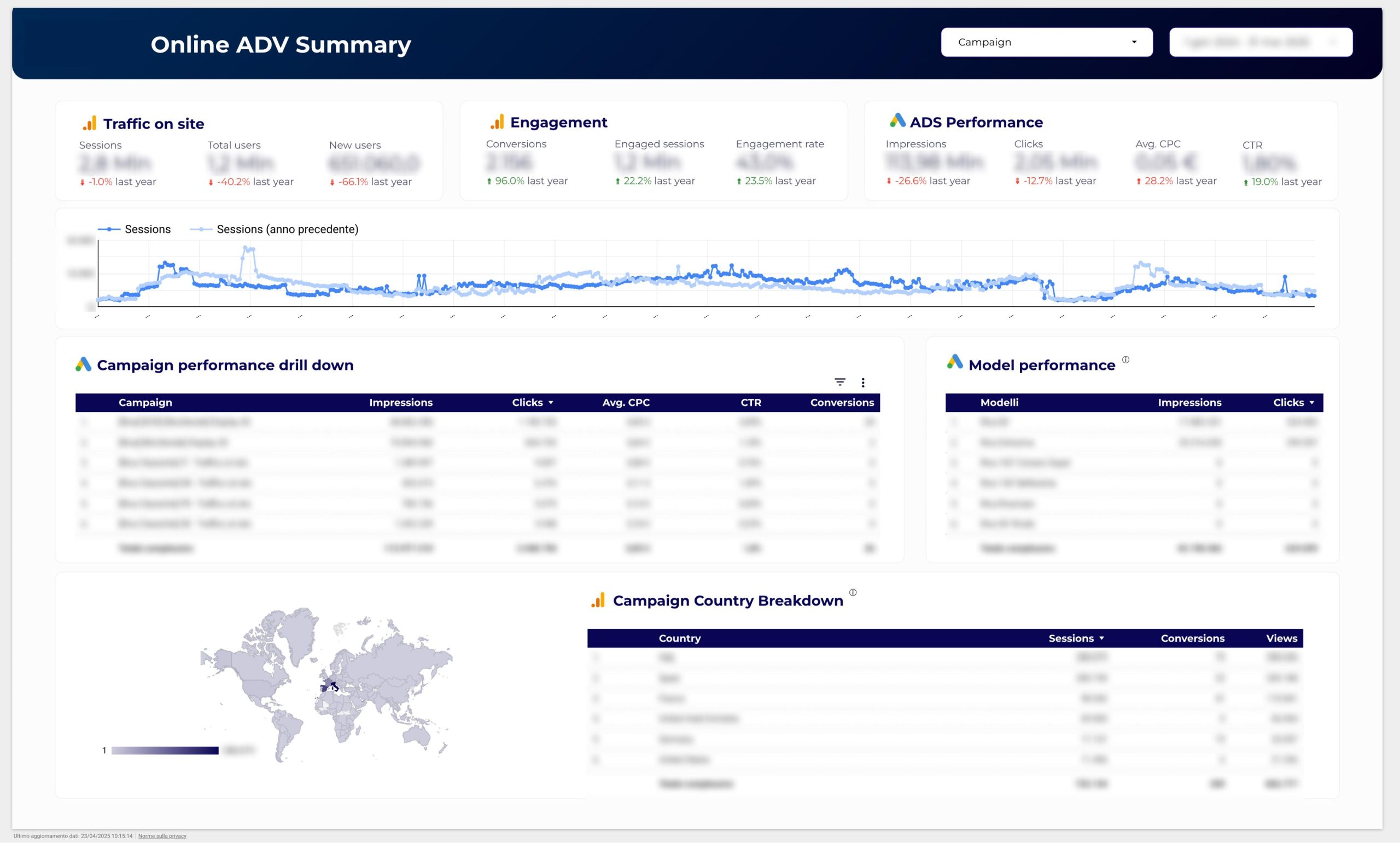
Most Google Ad Grant rejections happen because of preventable website or documentation issues—not because a church is ineligible. Reviewing these common mistakes before applying can save weeks of delays.
1. Incomplete Website
Missing service times, About page, or contact information makes your site look unfinished.
2. No HTTPS Security
Google expects every nonprofit website to use SSL before approval.
3. TechSoup Mismatch
Your legal organization name must exactly match your nonprofit records.
4. Generic Keywords
Using broad keywords like "church" instead of location-based searches reduces compliance.
How to Avoid Rejection
| Issue | Solution |
|---|---|
| Website rejected | Publish complete ministry and contact pages |
| Nonprofit verification fails | Use your official legal church name everywhere |
| Campaign suspended | Create tightly themed search campaigns with quality keywords |
| Low account quality | Track conversions and optimize monthly |
Expert Advice: Treat your church website as part of the application. Google reviews the user experience just as carefully as your nonprofit documentation.
What Happens After Your Church Gets Approved?
Approval is the beginning—not the finish line. Once Google activates your Ad Grant, your church receives a dedicated Google Ads account with up to $10,000 in monthly search advertising credit. The next step is building campaigns that consistently bring new visitors to your ministry.

Your First 30 Days
| Week | Priority Task |
|---|---|
| Week 1 | Launch your first search campaigns |
| Week 2 | Monitor keywords and click-through rate |
| Week 3 | Set up conversion tracking for visitor actions |
| Week 4 | Optimize ads and improve Quality Score |
What Should You Track?
Instead of measuring clicks alone, churches should track meaningful actions that indicate real community engagement.
Plan Your Visit
Measure how many first-time visitors submit visit forms.
Prayer Requests
Track people seeking spiritual support through your website.
Event Registrations
Monitor Easter, VBS, and community outreach registrations.
Newsletter Sign-ups
Build long-term relationships beyond a single website visit.
Monthly Optimization Matters
Google expects Ad Grant accounts to remain active and compliant. Reviewing search terms, improving ad relevance, and updating landing pages every month helps protect your grant while improving performance.
Continue Learning: Once your account is approved, the next priority is ongoing optimization. Our Google Ad Grant Management Guide explains how to maintain compliance, improve Quality Score, and maximize the full $10,000 monthly grant.
Best Practices for Long-Term Success
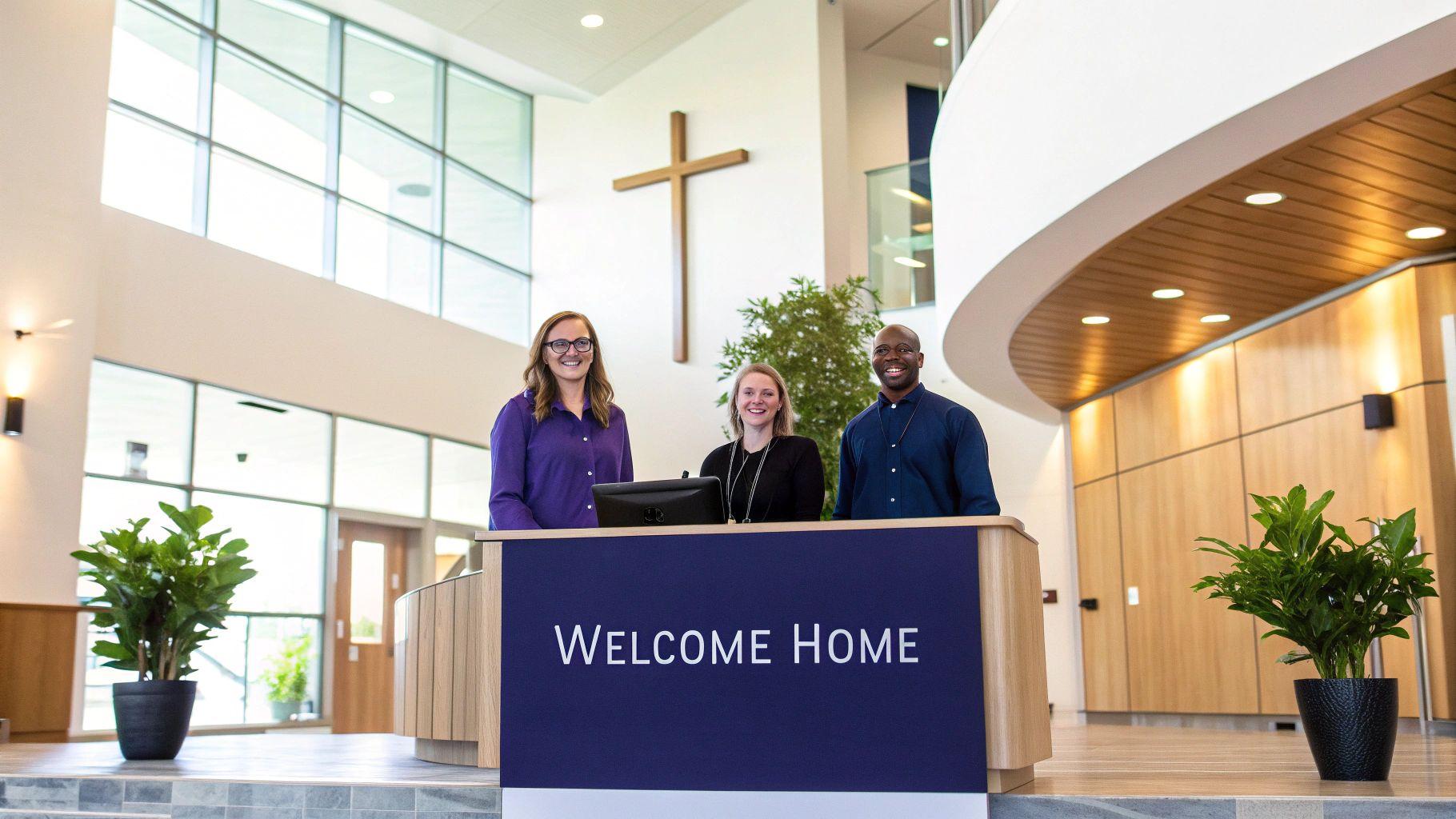
Getting approved is only the beginning. Churches that consistently generate visitors through Google Ad Grants combine strong landing pages, helpful content, local SEO, and monthly campaign optimization.
Create Dedicated Landing Pages
Build pages for Plan Your Visit, Easter services, VBS, and community outreach instead of sending everyone to your homepage.
Publish Helpful Church Content
Answer questions your community is already searching for through blogs, FAQs, and ministry resources.
Optimize Your Google Business Profile
Keep service hours, photos, reviews, and contact information updated for stronger local visibility.
Review Campaigns Monthly
Improve keywords, ads, and conversion tracking every month to maintain compliance and better performance.
Timeline & Approval Expectations
Every church moves through the application at a different pace, but this is a realistic timeline based on Google's review process.
| Stage | Typical Timeline |
|---|---|
| TechSoup Verification | 3–10 business days |
| Google for Nonprofits Review | 2–7 business days |
| Google Ad Grants Approval | 1–3 weeks |
| Launch First Campaign | Same week as approval |
Important: Google does not guarantee approval or a fixed timeline. Complete documentation and a high-quality church website are the biggest factors you can control.
Frequently Asked Questions
These are the most common questions churches ask before applying for Google Ad Grants.
1. Can churches really receive $10,000 per month from Google?
Yes. Eligible churches can receive up to $10,000 each month in free Google Search advertising through Google Ad Grants. The credit is used for search ads and cannot be withdrawn as cash.
2. Does every church qualify?
Most U.S. churches qualify if they are recognized as a nonprofit organization and complete verification through TechSoup and Google for Nonprofits. Government organizations do not qualify.
3. How long does approval usually take?
Most applications are completed within two to four weeks, depending on how quickly nonprofit verification and Google's review process are completed.
4. What is TechSoup and why is it required?
TechSoup verifies your church's nonprofit status. Google uses this validation before granting access to Google for Nonprofits and Google Ad Grants.
5. Can we advertise Sunday services?
Absolutely. Churches commonly promote worship services, prayer meetings, Easter events, Vacation Bible School, counseling ministries, and community outreach programs.
6. Do we need a professional church website?
Yes. Your website should be secure (HTTPS), mobile-friendly, include service times, contact information, and clearly explain your church's mission and ministries.
7. Can church plants apply?
Yes, if the church has qualifying nonprofit status directly or through a denominational group exemption and meets Google's eligibility requirements.
8. What happens if our application is rejected?
Google usually explains the reason for rejection. Common issues include incomplete websites, nonprofit verification mismatches, or missing policy requirements. Most problems can be corrected and resubmitted.
9. Do we need to manage the account every month?
Yes. Google requires ongoing account activity, campaign optimization, and conversion tracking to maintain compliance with the Ad Grants program.
10. Should our church hire a Google Ad Grant management agency?
Many churches successfully apply on their own, but ongoing optimization requires time and expertise. An experienced agency can help maintain compliance, improve Quality Score, and maximize the monthly advertising grant.
Free Church Growth Audit
Need Help Applying for Google Ad Grants?
WebRise Media helps churches navigate eligibility, TechSoup verification, Google for Nonprofits, campaign setup, and ongoing Google Ad Grant management.
Learn more about Church Digital Marketing Strategies or explore our Google Ad Grants for Churches service.
Contact Us for a Free Audit →